
Official Mirror · Updated October 2026
Golden Crown Casino Login Australia 2026
Sign in with your registered email and password to reach your Golden Crown Casino account, games, payments and settings from Great Britain. The login works on desktop, Android and iOS devices.
- Mobile Optimised
- 24/7 Live Chat
- Slots And Live Casino
Welcome Package
100% Up To $1,000 + 300 Free Spins
Register, make a qualifying first deposit and activate the offer in the promotions section. The welcome offer has a 40x wagering requirement.
How To Sign In And Restore Access
Use these steps to sign in, recover a password or reach the right support channel. Keep your registered email available if you need to reset account access.
-
01
Open The Login Page
Open the mirror on a computer, Android phone, iPhone or tablet, then select the account login option.
-
02
Enter Your Account Details
Enter the email address and password registered to your Golden Crown Casino account. Check spelling and capital letters before submitting.
-
03
Recover A Forgotten Password
Choose the forgotten password option and follow the account recovery steps using your registered email address.
-
04
Contact Support If You Still Need Help
Use 24/7 live chat, email, the contact form or the FAQ if the recovery process does not resolve the login issue.
On This Page3
How To Use Golden Crown Casino Login
golden crown casino login australia begins with your registered email address and password. Open the mirror, choose the login option and enter the details connected to your account. Check your keyboard language, spelling and capital letters before submitting the form.
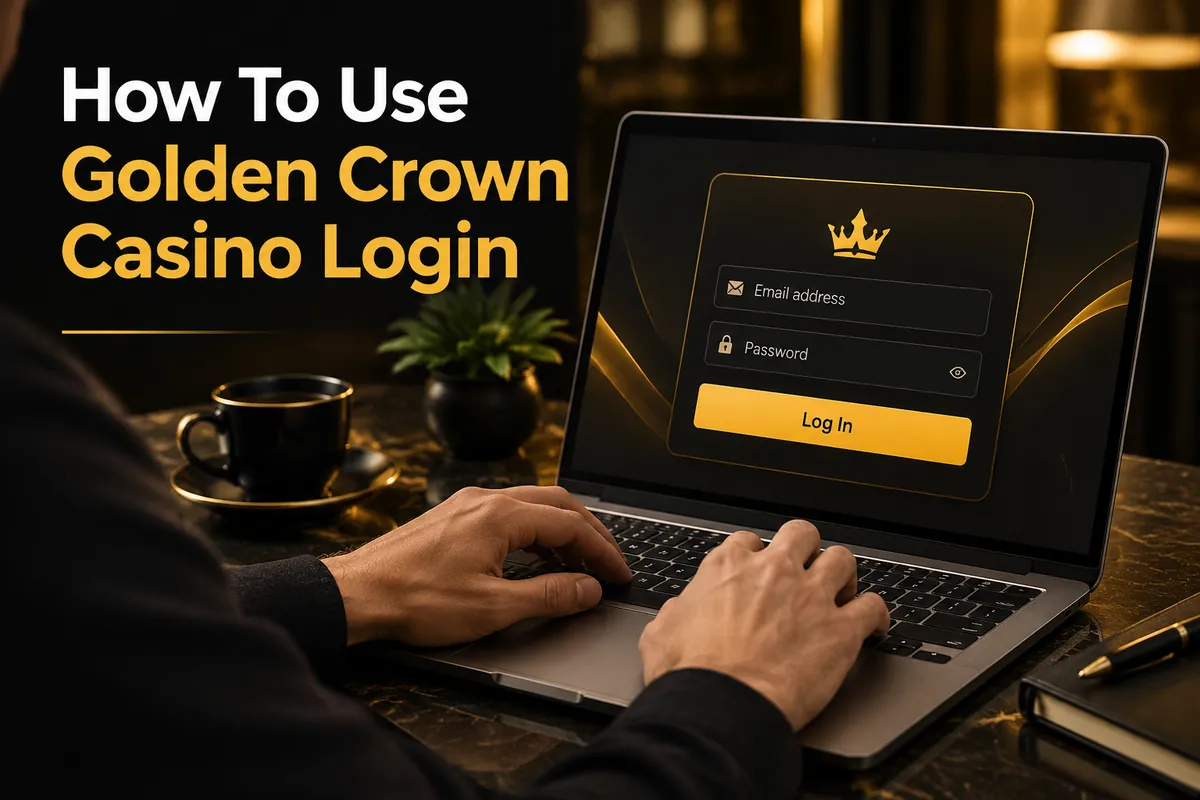
The login process is straightforward on a desktop or laptop using an up-to-date browser. On a phone or tablet, the mobile layout keeps the account fields, menu and security options accessible without a desktop interface. Once signed in, you can move between the lobby and your personal account area.
| Login Point | What To Check |
|---|---|
| Email Field | Enter the address registered to your account. |
| Password Field | Check capital letters, spaces and saved browser entries. |
| Connection | Use a stable private connection and reload once if the page stalls. |
| Browser | Keep the browser updated and refresh an old saved page if needed. |
After checking these details, submit the form once. Repeated guesses can make account access more difficult, so use the password recovery option when you are unsure. Follow the instructions sent through your registered email, then sign in with the updated password.
If the login page does not load correctly, refresh it and check that your browser is current. A saved page may show an older version of the interface. Open the mirror again, then enter your details rather than relying on an outdated autofill entry.
The login area connects to more than the game lobby. From your account, you can access casino games, payment tools, withdrawal requests, promotions, transaction history and personal settings. Sign in before changing banking details or checking an offer, so you can review the relevant information in your account.
For account security, keep your password private and avoid saving it on a shared device. Sign out when you finish using a public or borrowed computer. These simple habits help keep your account details separate from other users of the same device.
What You Can Do After Golden Crown Casino Sign In
After the Golden Crown Casino login, the account dashboard gives you access to the lobby and banking tools. The catalogue contains more than 3,000 games, including slots, live casino, table games, jackpots and crash games. You can also find roulette, blackjack, baccarat, poker, bingo and live dealer titles.
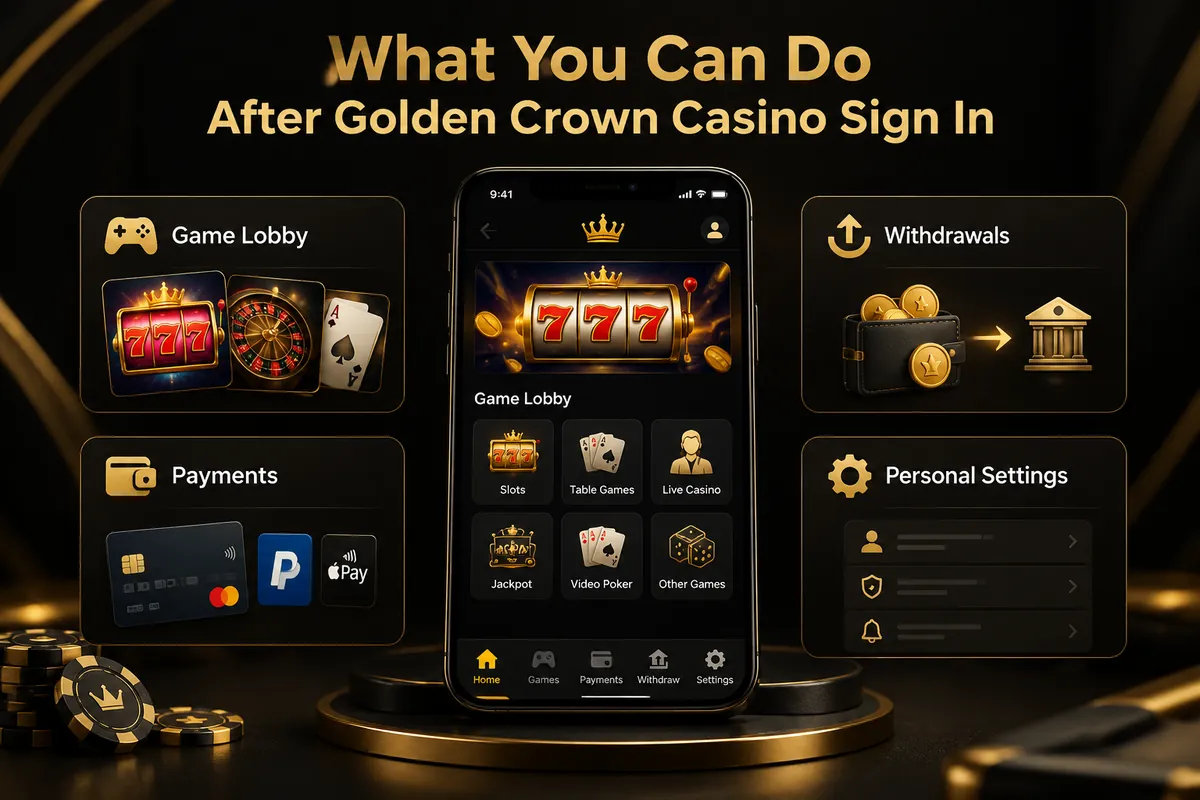
The personal area brings gaming and account tasks together. Check your balance, open the promotions section, make a deposit, request a withdrawal or review account information without returning to the login screen. The listed minimum deposit is €20. Payment options include cards, bank transfer, e-wallets, selected local methods and cryptocurrencies.
- Browse games from providers including NetEnt, Playtech, Pragmatic Play, Evolution and Yggdrasil.
- Choose from the fiat currency and cryptocurrency payment routes shown in the banking area.
- Review withdrawal progress and account activity after signing in.
- Request personal limits through support or use the self-exclusion tool.
Once you have checked the account tools, review the payment method and transaction details before confirming a deposit or withdrawal. This is particularly useful when you use a method for the first time. Some payment methods are available only for deposits, and identity checks can be required before withdrawals.
The welcome package offers 100% up to $1,000 plus 300 free spins. To receive it, register, make a qualifying first deposit and activate the offer in the promotions section. The main welcome offer has a 40x wagering requirement. Read the terms displayed with the offer before activation and track any bonus balance from your account.
Further promotions include a second deposit offer of 75% up to 750 AUD plus 50 free spins, and a third deposit offer of 50% up to 750 AUD. Each carries a 40x wagering requirement. A crypto deposit offer adds 10% and has a 5x requirement, while cashback and loyalty rewards use a 3x requirement.
For players in Great Britain, payment choice is a practical part of account use. The listed methods include Visa, Mastercard, bank transfer, Skrill, Neteller, MiFinity, MuchBetter, Neosurf, Paysafecard, Apple Pay, Google Pay, POLi, Rapid Transfer, AstroPay and Revolut. Cryptocurrency options include Bitcoin, Bitcoin Cash, Dogecoin, Ethereum, Litecoin, Ripple and Tether.
Mobile access covers the same key account tasks as desktop play. The site is optimised for Android and iOS smartphones and tablets, with access to games, deposits, withdrawals and account tools. An Install App section is also available. This makes it practical to check account activity or open the lobby while away from a computer.
If a payment or account question needs attention, live chat operates around the clock. Registered and unregistered users can reach support through live chat, while email, a contact form and the FAQ provide other routes. Support can also help players request personal limits. Self-exclusion blocks account access and promotional offers for the selected period.
Golden Crown Casino is for players aged 18 and over. Set limits that suit your circumstances, and use the available self-exclusion option if you need a break from gambling.
Frequently Asked Questions
Find practical answers about account access, password recovery, mobile use, banking and support.
How Do I Log In To Golden Crown Casino?
Open the Golden Crown Casino mirror, choose the login option and enter the email address and password registered to your account. Check spelling and capital letters before submitting the form. If the details are not accepted, use the password recovery option.
What Should I Do If I Forgot My Password?
Select the forgotten password option on the login form and follow the recovery steps using your registered email address. Check your inbox for the instructions before trying to sign in again. If you cannot access that email, contact support through live chat, email or the contact form.
Can I Log In From A Mobile Phone?
Yes. The site is optimised for Android and iOS smartphones and tablets, with access to games, payments, promotions and account management. An Install App section is also available. You can use the mobile site to check your account without a desktop computer.
How Can I Contact Golden Crown Casino Support?
Support is available through 24/7 live chat, email, the contact form and the FAQ section. Live chat is accessible to registered and unregistered users. Use it for login, account or banking questions that need direct assistance.
How Do I Manage Limits And Self-Exclusion?
You can request personal limits through support and use the self-exclusion tool. Self-exclusion blocks account access and promotional offers during the selected period. Golden Crown Casino is for players aged 18 and over.
How Do Withdrawals Work After I Log In?
Open the banking section, select withdrawal and follow the instructions for your chosen method. Processing is listed at 0–48 hours, and many requests are processed within 24 hours. Identity checks can be required before a withdrawal is completed.
What Payment Methods Are Available After Sign In?
Banking options include Visa, Mastercard, bank transfer, e-wallets, local payment methods and cryptocurrencies. The listed options include Skrill, Neteller, MiFinity, Apple Pay, Google Pay, Bitcoin, Ethereum, Litecoin, Ripple and Tether. Check the banking area for the methods shown for your transaction.
What Games Can I Open After Login?
The lobby contains more than 3,000 games across slots, live casino, table games, jackpots and crash games. It also features roulette, blackjack, baccarat, poker, bingo and live dealer titles. Games come from providers including Evolution, NetEnt, Pragmatic Play and Yggdrasil.